

Ever wondered what happens when your employees’ personal information falls into the wrong hands? Have you considered how vulnerable your time and attendance system might actually be? What would a data breach mean for your business reputation and bottom line?
These aren’t just hypothetical questions. Time and attendance system collect sensitive employee data every single day. From clock-in times to biometric fingerprints, this information needs rock-solid protection. Yet many Australian businesses overlook the security risks lurking in their workforce management software.
In this guide, you’ll discover the essential steps to protect your time attendance system. We’ll explore common vulnerabilities, must-have security features, and practical strategies to keep your system safe. Plus, we’ll cover Australian privacy requirements and what to do if the worst happens. Let’s get stuck into it.
Understanding Time Attendance System Vulnerabilities
Common Security Risks in Employee Time Tracking
Time attendance system face multiple threats that can catch businesses off guard. Weak passwords remain one of the biggest culprits. When employees use simple combinations like “123456” or share login credentials, they create easy entry points for hackers.
Outdated software poses another significant risk. Systems running old versions often contain known security flaws that cybercriminals actively exploit. Unencrypted data transmission is equally dangerous, especially when information travels between devices and servers without proper protection.
Insider threats shouldn’t be ignored either. Disgruntled employees or those with excessive system access can misuse sensitive data. Physical security matters too – unsecured terminals or devices can be tampered with or stolen.
What Happens When Time Attendance Data Is Compromised?
A breach can devastate your business in multiple ways. Financial penalties under Australian privacy laws can reach millions of dollars. Your company’s reputation takes a serious hit, making it harder to attract and retain talent.
Employees whose data gets exposed may face identity theft or fraud. They’ll likely lose trust in your organisation, damaging workplace morale. Legal action from affected staff is also a real possibility, adding to your headaches.
How Do Time and Attendance Systems Store Employee Data?
Cloud-Based vs On-Premise Solutions: Security Considerations
Cloud-based systems store data on remote servers managed by third-party providers. These solutions typically offer automatic updates, built-in encryption, and professional security teams monitoring for threats around the clock. However, you’re placing trust in your provider’s security practices.
On-premise systems keep everything in-house, giving you complete control over your data. This approach suits organisations with strict compliance requirements or existing IT infrastructure. The downside? You’re responsible for all security measures, updates, and maintenance.
Neither option is inherently safer. What matters is how well security measures are implemented and maintained.
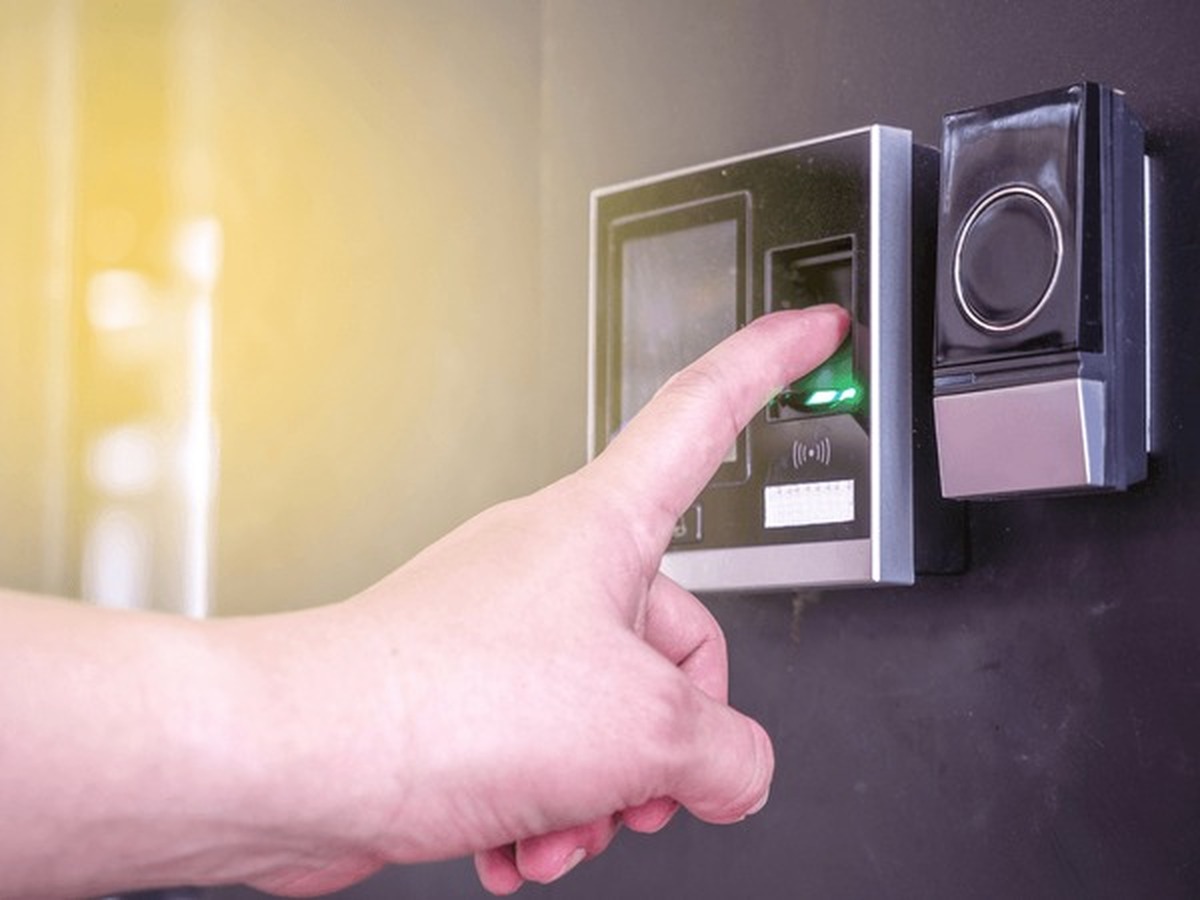
What Personal Information Do Time Attendance Systems Collect?
These systems gather more data than you might expect:
– Full names and employee identification numbers
– Work schedules and attendance records
– Leave requests and absences
– Biometric data (fingerprints, facial recognition)
– Location information from mobile clock-ins
– Device identifiers and IP addresses
This combination creates a detailed picture of each employee’s work patterns. Protecting this information isn’t just good practice – it’s a legal obligation.
Essential Data Security Features to Look For
Encryption and Secure Data Transmission
Strong encryption transforms readable data into scrambled code that’s useless without the correct decryption key. Look for systems using AES-256 encryption, which is the current industry standard for protecting sensitive information.
Data should be encrypted both at rest (when stored) and in transit (when moving between devices). SSL/TLS protocols protect information travelling over networks. Without these safeguards, your data is essentially travelling in plain sight.
Multi-Factor Authentication for System Access
Passwords alone aren’t enough anymore. Multi-factor authentication (MFA) adds extra verification steps before granting access. This might include a code sent to a mobile phone, a fingerprint scan, or a security token.
Even if someone steals login credentials, they can’t get in without completing the additional verification. It’s a simple addition that dramatically reduces unauthorised access risks.
Role-Based Access Controls and User Permissions
Not everyone needs access to everything. Role-based controls limit what each user can see and do based on their job function. A team leader might view their department’s attendance records, while only HR staff can access payroll-related data.
This principle of least privilege minimises damage if an account gets compromised. It also creates accountability by tracking who accessed what information and when.
Is Biometric Time Attendance Data Safe?
How Biometric Data Should Be Protected
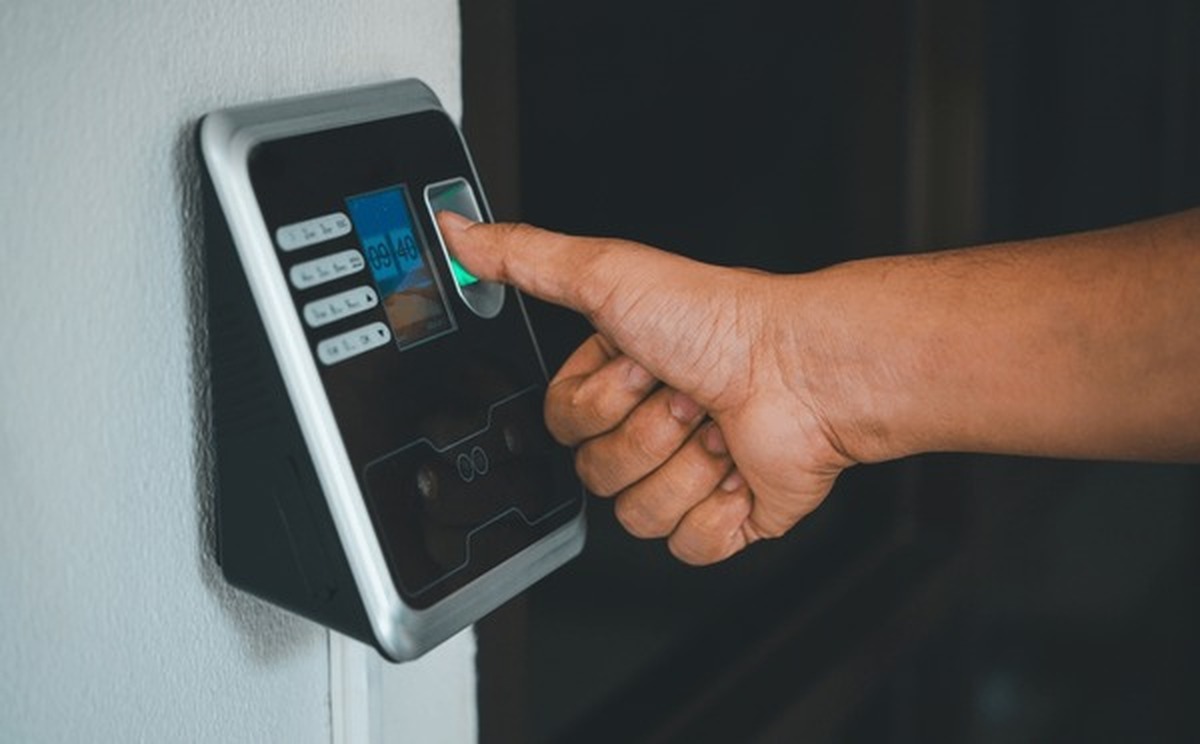
Biometric information requires extra care because, unlike passwords, you can’t change your fingerprints. Reputable systems convert biometric data into encrypted templates rather than storing actual images. These templates are mathematically impossible to reverse-engineer.
The original biometric image should be deleted immediately after template creation. Data should be stored separately from other employee information, adding another protective layer.
Australian Privacy Regulations and Biometric Information
Under Australian law, biometric data is classified as sensitive information. This means stricter rules apply compared to other personal data. You must obtain explicit consent before collecting biometrics and clearly explain how you’ll use and protect this information.
The Privacy Act requires reasonable steps to protect biometric data from misuse, interference, and unauthorised access. Failing to meet these obligations can result in serious penalties from the Office of the Australian Information Commissioner.
Best Practices for Securing Your Time and Attendance System
Regular Software Updates and Patch Management
Software vendors regularly release updates that fix security vulnerabilities. Delaying these updates leaves your system exposed to known threats. Establish a schedule for applying patches promptly, ideally within 48 hours for critical security fixes.
Enable automatic updates where possible. For manual updates, assign responsibility to specific team members and track completion.
Employee Training and Security Awareness
Your security measures are only as strong as your weakest link. Train staff to recognise phishing attempts, create strong passwords, and report suspicious activity. Regular refresher sessions keep security front of mind.
Make it clear that security is everyone’s responsibility. Encourage a culture where employees feel comfortable raising concerns without fear of blame.
Conducting Security Audits and Compliance Checks
Regular audits identify weaknesses before attackers do. Review access logs for unusual patterns, check that permissions remain appropriate, and verify encryption is functioning correctly.
Annual third-party security assessments provide an independent view of your defences. Document everything for compliance purposes.
Creating Strong Password Policies
Implement requirements for minimum password length (at least 12 characters), complexity, and regular changes. Ban commonly used passwords and previous passwords. Consider using password managers to help employees maintain unique, strong credentials across systems.
How Can Businesses Prevent Time Theft While Maintaining Privacy?
Balancing fraud prevention with employee privacy requires thoughtful approaches. GPS tracking on mobile clock-ins can verify location without constant surveillance. Photo verification confirms identity at clock-in without storing images long-term.
Be transparent about what you’re monitoring and why. Explain that measures protect honest employees by preventing others from gaming the system. Collect only the minimum data necessary and dispose of it when no longer needed.
Compliance Requirements: Meeting Australian Privacy Standards
Understanding the Privacy Act and APPs
The Privacy Act 1988 and its Australian Privacy Principles (APPs) govern how businesses handle personal information. You must collect data lawfully and fairly, use it only for stated purposes, and keep it accurate and secure.
Organisations with annual turnover exceeding million must comply fully. Smaller businesses handling health information or trading in personal data are also covered.
Data Retention and Secure Disposal Practices
Keep time and attendance records only as long as legally required or genuinely needed. Australian workplace laws generally require seven years for payroll records. After this period, securely destroy the data.
Secure disposal means permanently deleting electronic records and shredding physical documents. Simply deleting files isn’t enough – use certified data destruction methods.
What Should You Do If Your Time Attendance System Is Breached?
Act quickly. Contain the breach by isolating affected systems. Assess what data was compromised and how many people are affected. Document everything from the moment you discover the incident.
Notify the Office of the Australian Information Commissioner if the breach is likely to cause serious harm. Inform affected employees promptly and provide guidance on protecting themselves. Finally, review what went wrong and strengthen your defences.
Choosing a Secure Time and Attendance Provider
Key Questions to Ask Vendors About Security
Before signing any contract, ask providers:
– What encryption standards do you use?
– Where is data stored and who can access it?
– How often do you conduct security audits?
– What happens to our data if we leave?
– Do you have relevant security certifications?
Request documentation and don’t accept vague answers.
Red Flags to Watch For
Be wary of providers who can’t clearly explain their security measures. Lack of transparency about data storage locations is concerning. No independent security certifications or unwillingness to provide compliance documentation should raise alarms.
Building a Culture of Data Security
Protecting your time and attendance data isn’t a one-off task – it’s an ongoing commitment. The practices we’ve covered form a solid foundation, from encryption and access controls to regular audits and staff training.
Remember that compliance with Australian privacy laws isn’t optional. Understanding your obligations and implementing appropriate safeguards protects both your business and your employees. When evaluating providers, don’t compromise on security features just to save a few dollars.
Ultimately, data security is about building trust. Your employees share sensitive information expecting you’ll protect it. By taking security seriously, you’re showing your team that their privacy matters. That’s something worth investing in, wouldn’t you agree?